Custom Mouse Cursors for Windows
Browse 3,803 cursor skins made by the Mouse X community on the Steam Workshop: animated frogs, pixel swords, anime characters, minimalist pointers and more. One $2.99 app includes every skin, and the free demo lets you try it before you buy. New skins are added daily.
Get Mouse X on Steam $2.99 once · every skin included · free demo to try it out
Browse by style
Animated
2,155 cursors
Cute
1,095 cursors
Anime
848 cursors
Pixel Art
1,487 cursors
Gaming
1,167 cursors
Minimalist
977 cursors
Colorful
595 cursors
Dark Theme
518 cursors
Retro
314 cursors
Sci-Fi
164 cursors
Light Theme
244 cursors
High Contrast
227 cursors
Professional
266 cursors
Generative AI
183 cursors
Firearms
56 cursors
All cursors
3,803 skins
Popular collections
Fan favorites
 Animated
Kasane Teto
Animated
Kasane Teto
 Animated
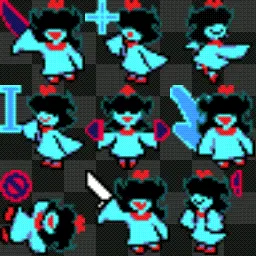
Aqua Deltarune
Animated
Aqua Deltarune
![Arknights PRTS Cursor Pack [HD]](/assets/cursors/arknights-prts-cursor-pack-hd-3748426693-320.webp) Animated
Arknights PRTS Cursor Pack [HD]
Animated
Arknights PRTS Cursor Pack [HD]
 Animated
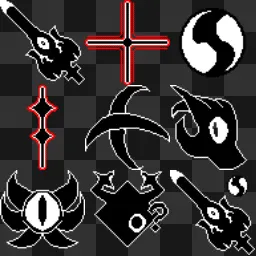
Roaring Knight Deltarune Cursor
Animated
Roaring Knight Deltarune Cursor
 Animated
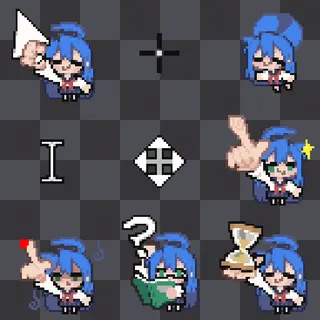
Konata Izumi
Animated
Konata Izumi
 Animated
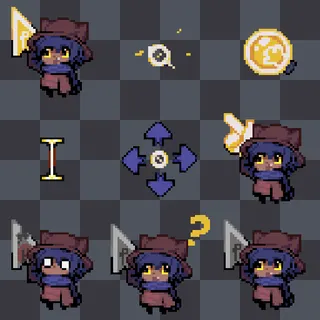
Niko
Animated
Niko
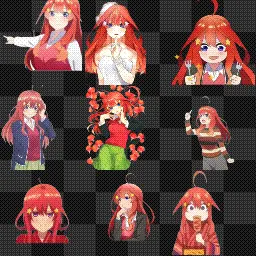 Itsuki Nakano
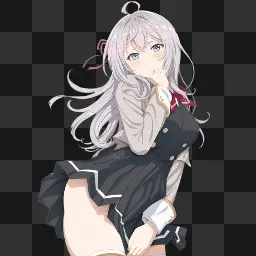 Alya Sometimes Hides Her Feelings in Russian CS
 Animated
Hatsune Miku PJSK Variants
Animated
Hatsune Miku PJSK Variants
 Animated
Frog by Abi Toads
Animated
Frog by Abi Toads
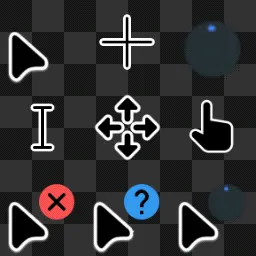 Animated
Dark v2
Animated
Dark v2
Most popular cursors
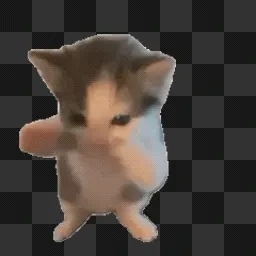 Animated
Scuba Cat
Animated
Frog by Abi Toads
Alya Sometimes Hides Her Feelings in Russian CS
Animated
Hatsune Miku PJSK Variants
Animated
Scuba Cat
Animated
Frog by Abi Toads
Alya Sometimes Hides Her Feelings in Russian CS
Animated
Hatsune Miku PJSK Variants
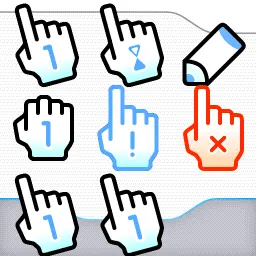 Sosumii
 Animated
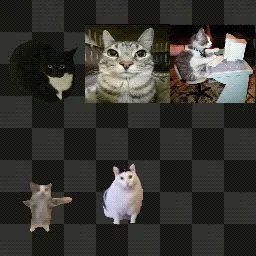
Silly cat cursor
Animated
Silly cat cursor
 Animated
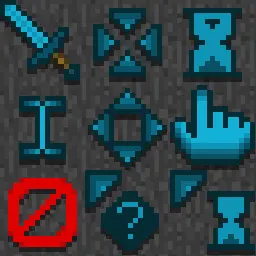
Mousecraft
Animated
Mousecraft
 GTA 5 POINTOR
Animated
Dark v2
GTA 5 POINTOR
Animated
Dark v2
 n
n
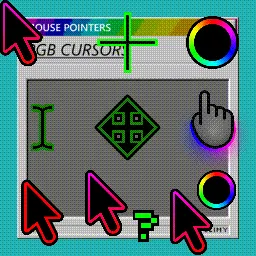 Animated
RGB cursors by Glimy
Animated
RGB cursors by Glimy
 Animated
Mellstroynost
Animated
Roaring Knight Deltarune Cursor
Animated
Mellstroynost
Animated
Roaring Knight Deltarune Cursor
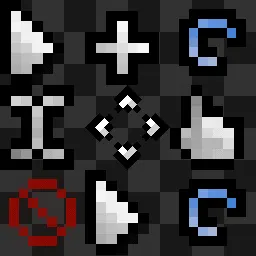 Animated
PixelMini W11
Animated
PixelMini W11
 Animated
Melloinc's Shark
Animated
Melloinc's Shark
 Animated
Super Mario 64 Cursors
Animated
Super Mario 64 Cursors
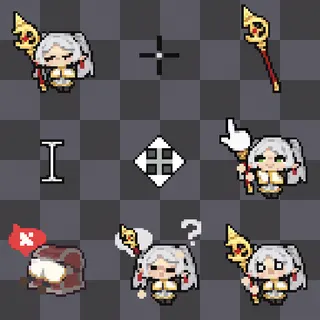 Animated
Frieren
Animated
Frieren
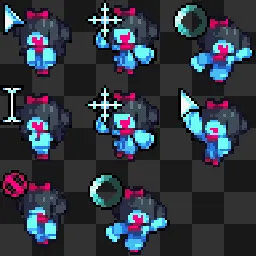 Animated
Aqua Deltarune
Animated
Aqua Deltarune
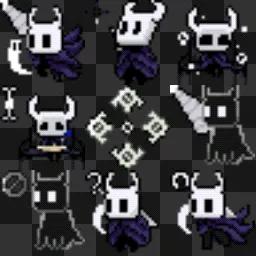 Animated
the knight from hollow knight
Animated
the knight from hollow knight
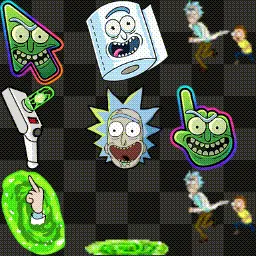 Animated
rick and morty
Animated
rick and morty
 Animated
Bigger Frog by Abi Toads
Animated
Bigger Frog by Abi Toads
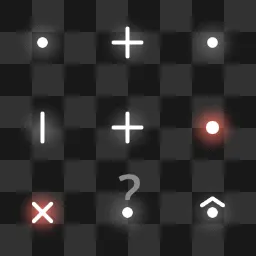 Animated
light tochka
Animated
Kasane Teto
Animated
light tochka
Animated
Kasane Teto
 Animated
Senko-San cursor
Animated
Senko-San cursor
New this week Browse all →
 Animated
yeep
Animated
yeep
 пж 50 дайков для очивки
 like please
 Animated
Mac OS + Window 11 - custom - animated hands
Animated
Mac OS + Window 11 - custom - animated hands
 Warcraft III Orc
 Animated
Nullscape
Animated
Nullscape
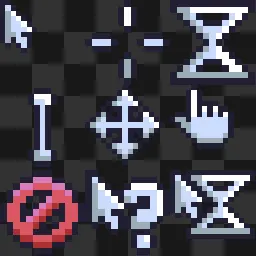 Simple Cursors 2 - Kelvi
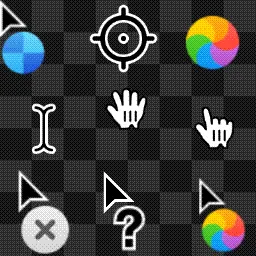 Animated
Mac OS + Window 11 - custom
Animated
Mac OS + Window 11 - custom
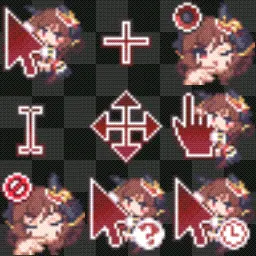 Animated
Cursor Gentildonna Uma Musume Pretty Derby
Animated
Cursor Gentildonna Uma Musume Pretty Derby
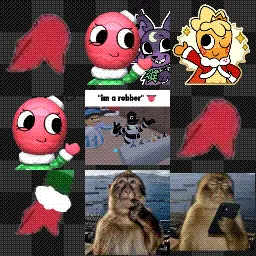 Animated
bobette idk
Animated
bobette idk
 zenci
zenci
 Ourcome Memories Sonic
Questions, answered
How do I change my mouse cursor on Windows?
The manual way is Control Panel → Mouse → Pointers with .cur/.ani files. Mouse X replaces all of that: install it from Steam, pick any skin from the Workshop gallery above, and your cursor changes instantly. That includes animated cursors, which Windows makes painful to set up by hand.
Are these cursors safe?
Skins are just images, they contain no code. Mouse X itself ships through Steam, doesn’t hook or inject into games or apps, and uses a tiny amount of memory, so it won’t affect gameplay or trip anti-cheat.
Can I make my own cursor?
Yes. Mouse X includes an editor for creating skins from your own art (PNG, GIF, AVIF or SVG), and you can publish them to the Steam Workshop for anyone to use. Every skin on this site was made that way.
How does Mouse X compare to Custom Cursor or Sweezy?
Cursor extensions change your pointer inside the browser, while Mouse X changes it system-wide, and its library is animation-first and community-made on the Steam Workshop. Full comparisons: Custom Cursor alternative and Sweezy Cursors alternative.
All cursor skins are created and shared by the Mouse X community on the Steam Workshop. Artwork belongs to its creators; any referenced characters, names or trademarks belong to their respective owners.

